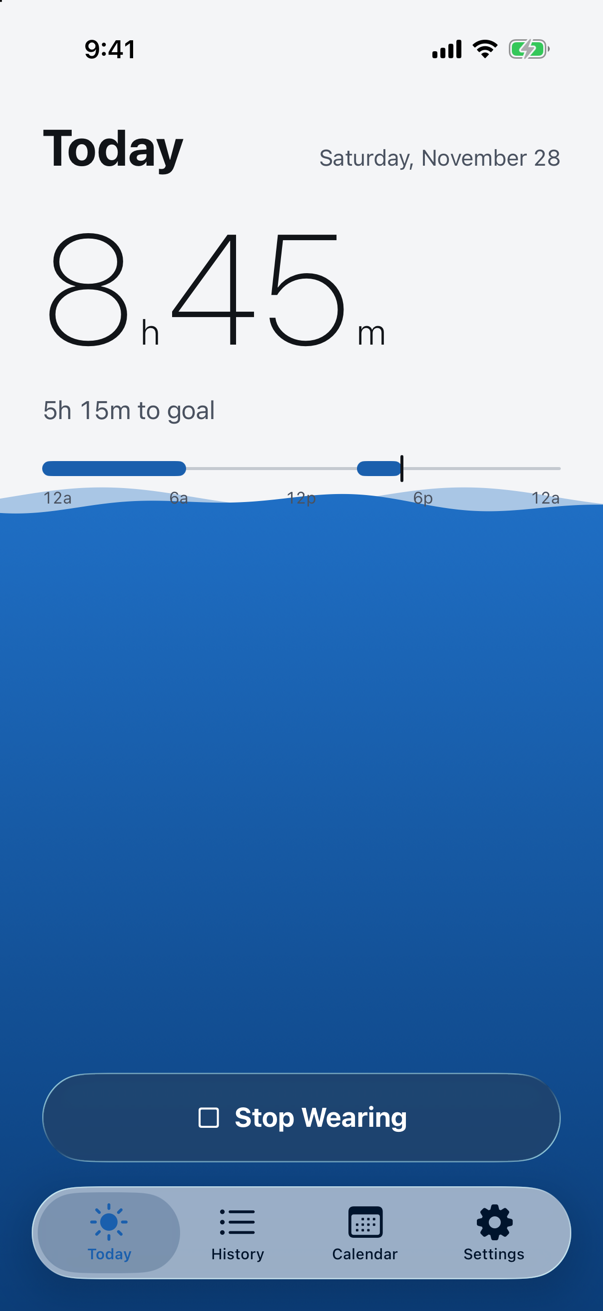
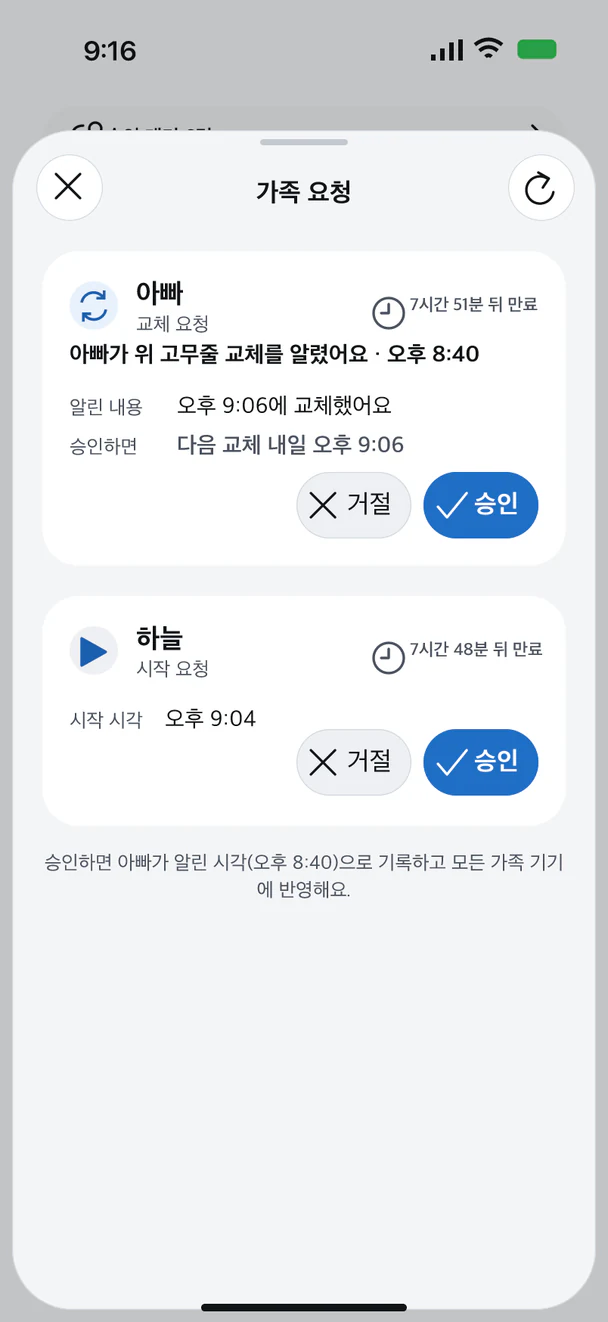
One family record, in one place.
Your admin iPhone keeps the log. Family members request wear changes, replacements, and aligner stages. Approved requests appear for everyone.
- Up to 6, including adminMembers join free.
- Invite by link or QRSingle-use links expire after 10 minutes.
- EncryptedNames and wear records stay private to family devices.
Wrist, Lock Screen, Control Center.
When reaching for your iPhone isn’t practical, check and record wear without opening the app. The app, widgets, Live Activity, and more share one record.
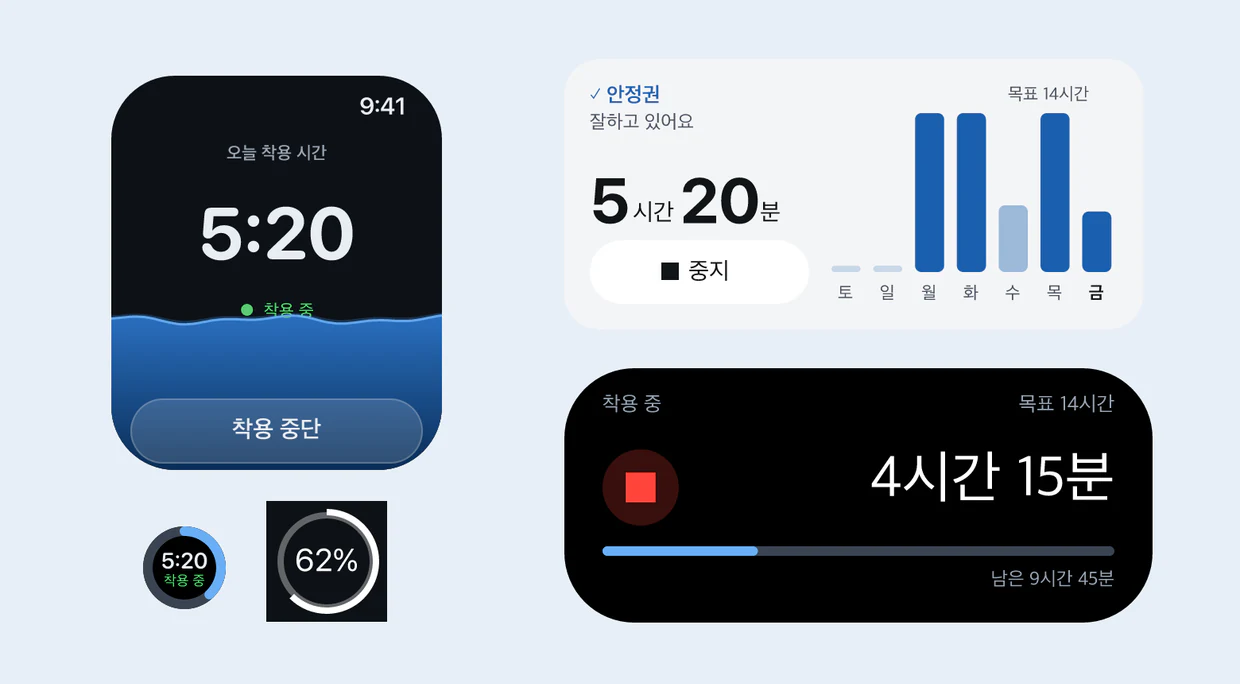
- Apple Watch app and complicationStart or stop from your wrist. See today on the face.
- Home Screen widgetsSmall shows today. Medium adds the week.
- Lock Screen widgetsSee today’s wear or goal progress.
- Live ActivityFollow wear on the Lock Screen and Dynamic Island.
- Control CenterToggle start and stop.
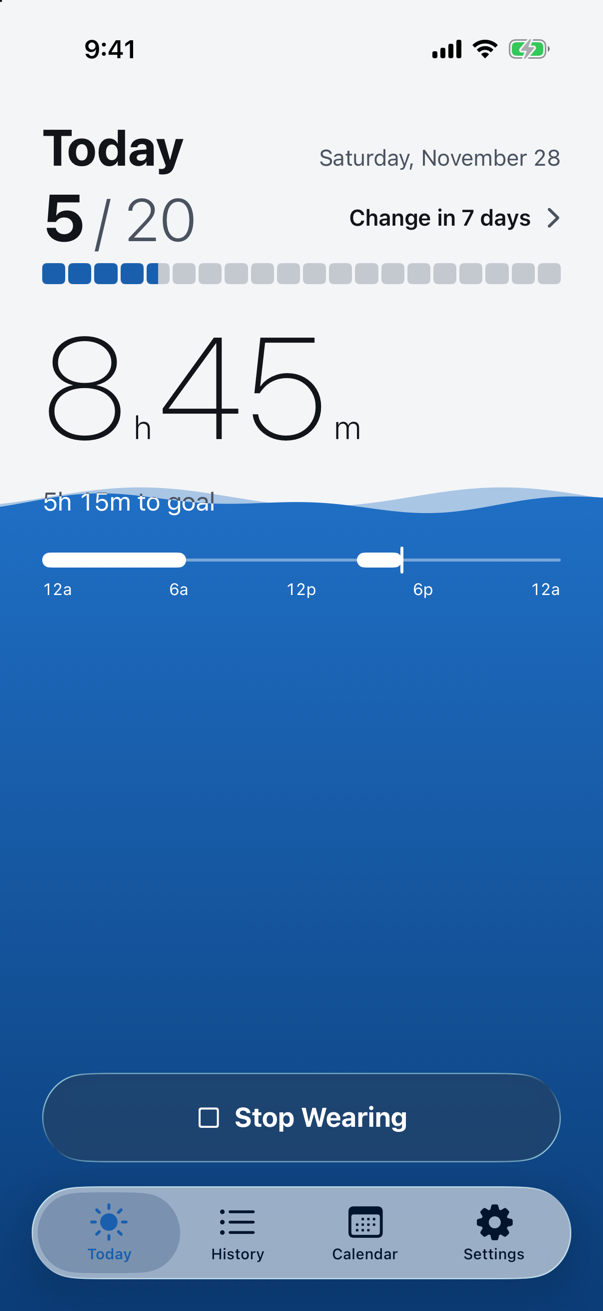
Your aligner stage and daily wear.
Track wear and treatment together. Add the stages and change interval from your orthodontist to calculate the next change and finish.
- Your stage stays visibleSee stages remaining and the next change date.
- Plans can movePostpone a change or pause this stage’s reminder.
- Earlier plans remainArchived plans stay in records and the calendar.
Elastics and straps have due dates, too.
Manage elastics, facemask straps, and aligner changes by item. With the last change and interval, PullTime calculates the next due time and sends a reminder when due.
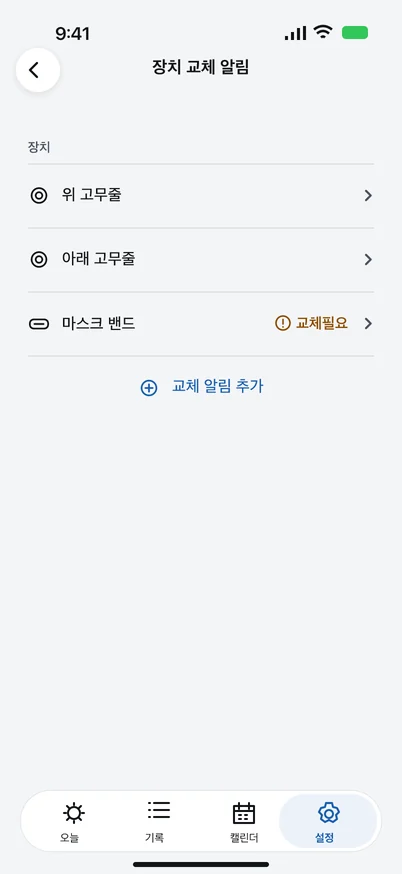
- Intraoral elasticsSet an interval from 6 to 72 hours.
- Facemask strapsStart with a 7-day replacement interval.
- AlignersPair the default 14-day interval with stage dates.
Keep the basics free. Connect more.
The core iPhone tracker is free, including wear records, aligner planning, and replacement reminders. A family subscription adds Watch, widgets, Live Activity, and sharing.
One admin pays. Up to five relatives join without a separate subscription.
| Feature | Basic | Family subscription |
|---|---|---|
| Daily wear records and goals | Included | Included |
| Records, calendar, and aligner plans | Included | Included |
| Replacement reminders | Included | Included |
| Apple Watch app | Not included | Included |
| Widgets, Live Activity, and more | Not included | Included |
| Family sharing | Not included | Included |
Choose monthly or yearly after launch. The app shows App Store pricing and lets you manage or restore your subscription.
Coming soon to the App Store.
We’ll share the PullTime 1.0 release date here and on the App Store.
 PullTimeiPhone, iOS 18+
Apple Watch, watchOS 11+ Coming soon